Subclip Mode
Reading time ~2 minutes
A Roll can contain several master clips. Subclips can be created from these master clips. As a result, a Roll can contain a collection of various master clips and their segments. Subclip mode of the Roll window allows you to effectively work with such master clips collections.
When Subclip mode is disabled, all master clips and their subclips are displayed on the top panel of the Roll window:
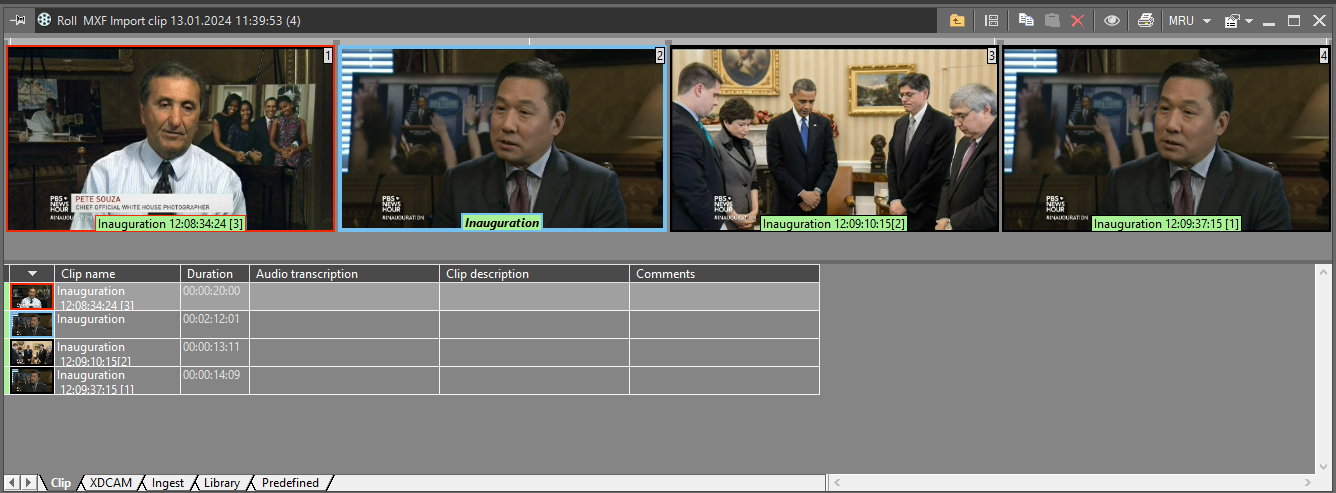
The entire master clips are highlighted with a blue frame. The currently selected master clip is marked with a red frame.
|
Click the "Subclip mode" icon on the Roll window toolbar to enable this mode. |

The additional panel will be displayed on the left, containing only master clips inside this Roll. Select the master clip, and only subclips originating from this master clip will be displayed in the storyboard view.
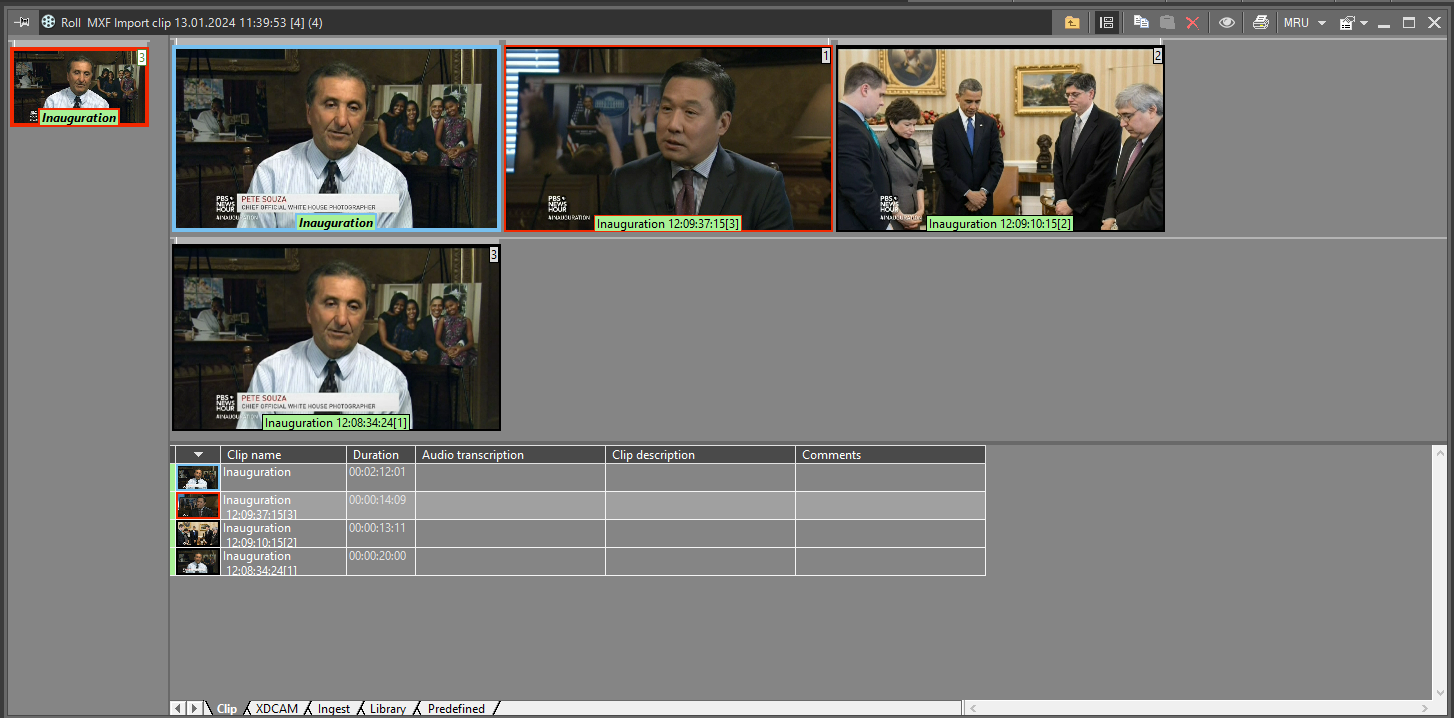
The number in the top-right corner of the master clip thumbnail indicates the number of subclips originating from it.
Automatic Subclip Enumeration
When the "Add numeric suffix to Master clip names" option is set to "True" in the "Common settings" section of Cinegy Archive Manager, a new naming scheme can be applied using the "Enum subclips" command from the context menu. This command automatically appends numeric suffixes [1], [2], etc. to the names of subclips:
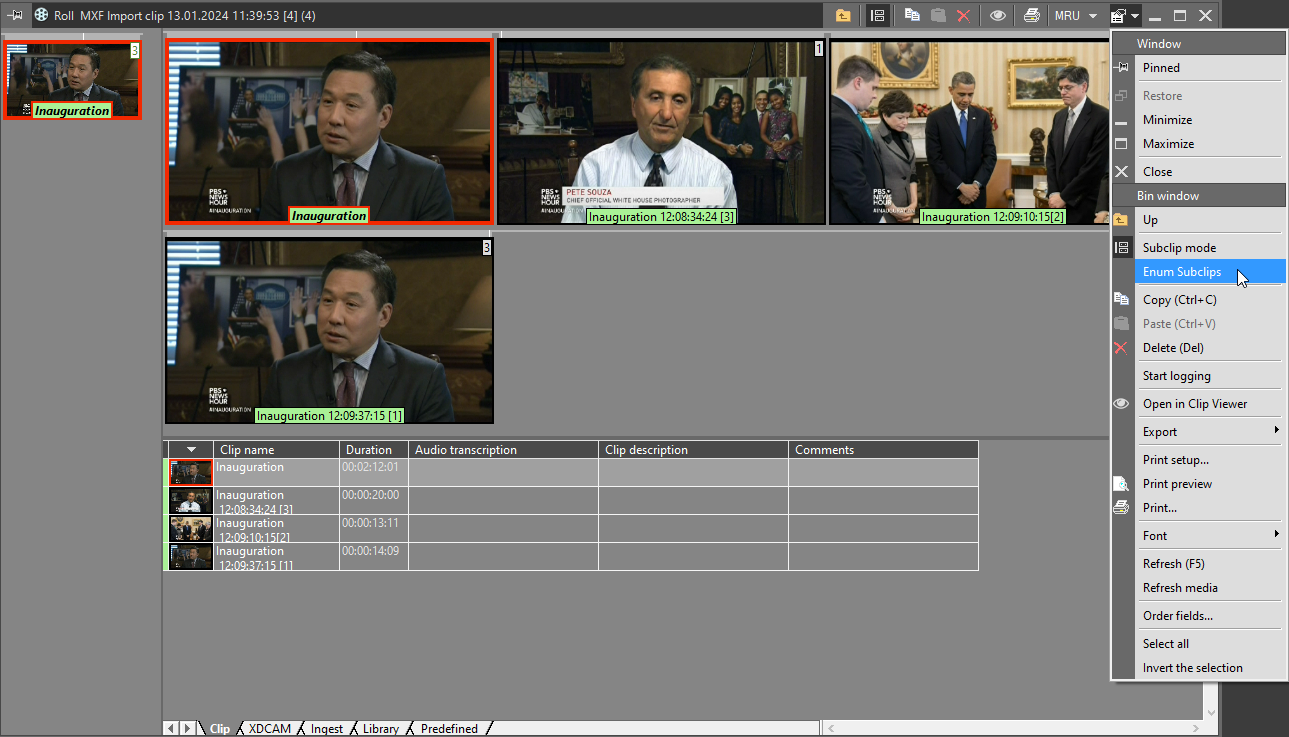
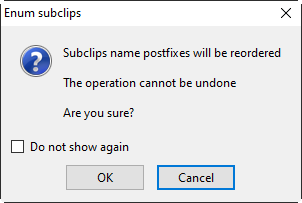
A confirmation dialog will appear to verify your action, as this operation is irreversible: