Cinegy Air Configurator
Reading time ~1 minutes
|
To configure Cinegy Air, run the Cinegy Air Configurator from your installation folder. The following configuration utility will be launched: |

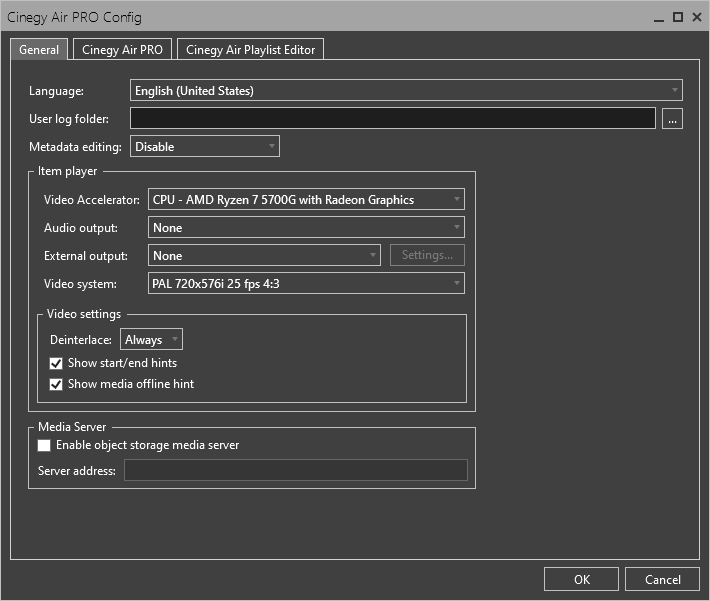
It contains the following tabs:
-
This tab is used to configure global parameters and the output parameters of the built-in clip viewer.
-
Here you can set up all necessary parameters and settings for Cinegy Air, such as application mode, video and audio properties, etc.
-
Cinegy Air Playlist Editor is designed for offline playlist preparation before sending the material on air via the Cinegy Air control application.
|
Note
|
Cinegy Air settings are stored in XML files located in the C:\ProgramData\Cinegy\CinegyAir\Config folder. |