Working with Profiles
Reading time ~1 minutes
Cinegy CG allows you to save application profiles that store the following settings: configured Cinegy Playout servers, the defined Cinegy Title template repository, enabled layers, the paths to the Cinegy Title templates loaded onto those layers along with their variable values, and additional settings configured for working with a specific show.
|
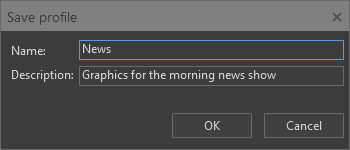
To save the custom profile, press the "Save profile" button on the main toolbar; the "Save profile" dialog appears. Here enter the name for the profile and its description, then press "OK" to save it. |

To load a user profile that has been previously saved, press the "Load profile" button on the main toolbar; the list of all previously saved profiles appears:
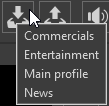
Select the desired one, and all the configurations will be applied in Cinegy CG application.